Log in



 213-650-6222
LED Accessory
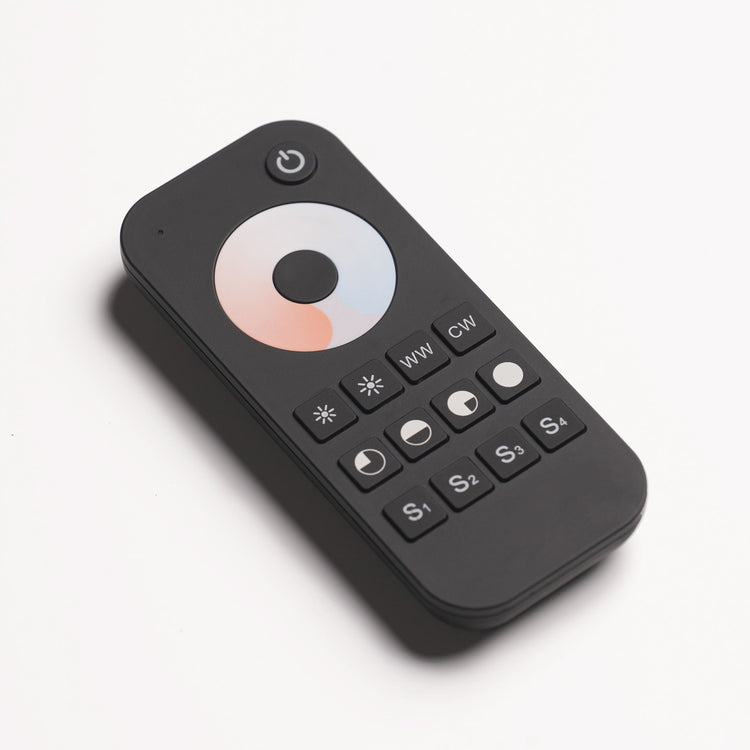
RT2 LED Remote
Set the mood of your backlit stone with wireless brightness and warm-to-cool white control. Save your favorite lighting settings and recall them with a touch.
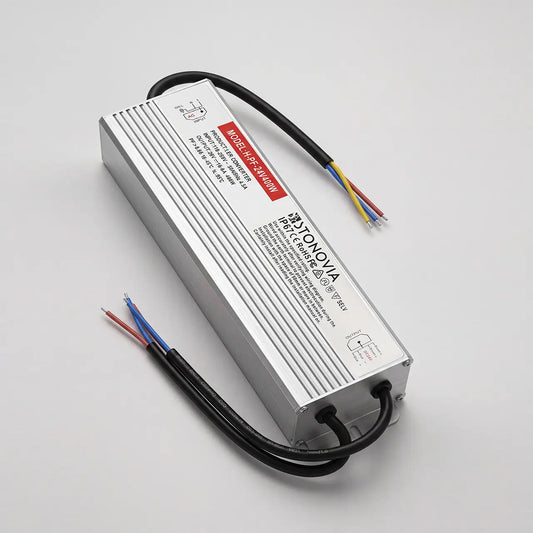
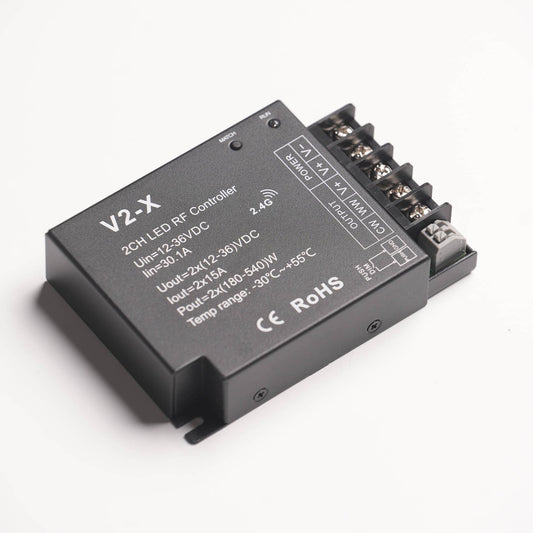
Pairs with a compatible RF controller, such as the V2-X. The remote controls the lighting; a separate driver and controller power the LED sheets.




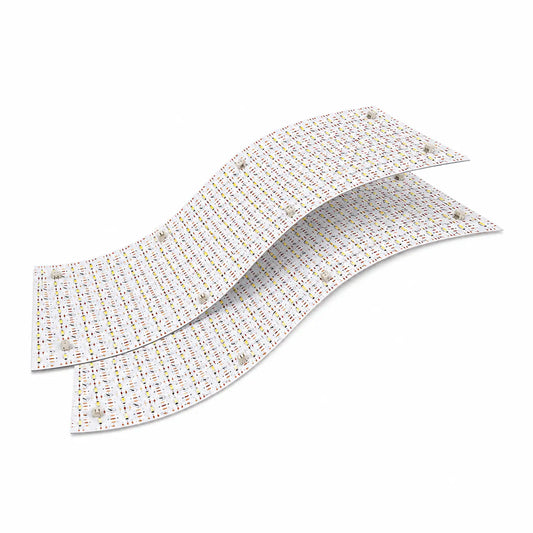
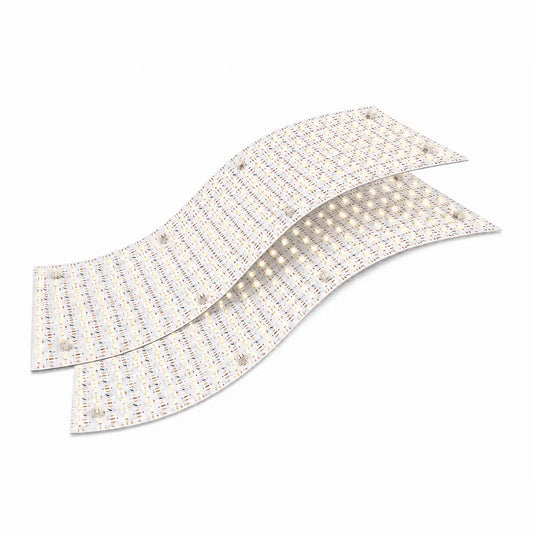
Verify the LED load, driver/controller ratings and connection limits; some combinations support fewer sheets. Paired lines represent two jumper cables. Follow the component installation manuals; AC work requires a qualified electrician.
Your light. Your setting.
Choose the atmosphere, save a favorite, and bring it back whenever you need it.
01 Set the mood without changing the stone
Adjust brightness and the balance between warm and cool white with a compatible RF controller. Move from a softer evening glow to a brighter display using the touch wheel and dedicated controls.
The connected LED sheets determine the available color-temperature range. RT2 is a remote control, not an LED power supply.
02 Match the remote to your lighting system
Pair RT2 with a compatible dual-color RF controller, such as the V2-X Controller. It does not control every LED fixture directly. The driver, controller and LED sheets are separate components.
RT2 is a single-zone remote: multiple compatible paired controllers can respond together. Use separate controls when you need independent lighting zones.
Each correctly rated driver/controller group can support up to 10 compatible STONOVIA Flex LED sheets; some combinations support fewer. Larger projects can use multiple groups. This is a per-group limit, not a project limit.
03 Pair with your V2-X controller
- Install two AAA batteries in the remote, following the marked polarity.
- With the lighting system correctly installed and powered, briefly press the V2-X Match key.
- Immediately press the remote ON/OFF key. The connected light blinks to confirm pairing.
These steps apply to the V2-X. For another receiver, follow that controller’s pairing instructions. Pair each compatible controller that you want this remote to operate.
04 Save and recall your favorite light
Use ON/OFF for daily switching, the touch wheel for color temperature, and the brightness controls to adjust light output. WW and CW select warm or cool white directly.
Hold an S1–S4 scene key for two seconds to save a setting; short-press it to recall. Save a few useful settings for daytime, evening or highlighting the stone.
If the touch wheel has gone to sleep, press a key to wake the remote before adjusting it.
05 Batteries, placement and everyday care
Powered by two AAA batteries (3 V DC), with a 2.4 GHz RF control signal. Keep the remote indoors and dry. Use the magnetic holder to keep it within easy reach.
Walls, metal objects and receiver placement can reduce wireless range. Test control from the intended location before fixing the holder in place.
Replace weak batteries and remove them during long periods without use. If the lights do not respond, wake the remote, check batteries and pairing, then check the controller’s power and compatibility.
06 Get help with your setup
Not sure which components work together? Contact STONOVIA with your remote and controller models, driver rating, LED sheet count and the number of lighting groups you want to control.
For an existing order, include the order number and a photo of the component labels so we can help identify the next checks.