Log in



 213-650-6222
Smooth dimming
0–100% adjustment with 4096 dimming levels.
LED Accessory
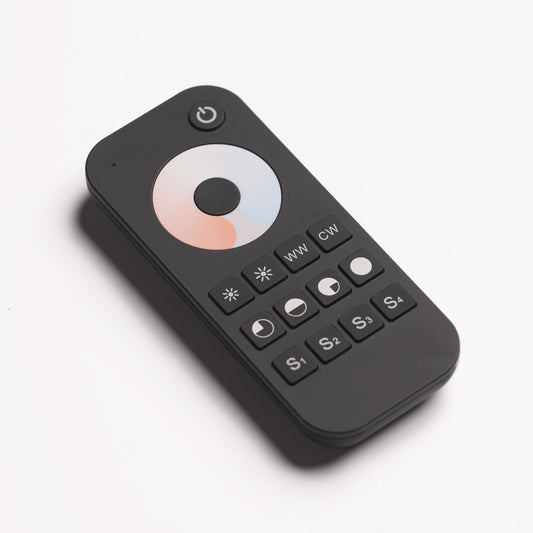
Adjust brightness and warm-to-cool white balance with the V2-X RF controller. For compatible 24 V DC STONOVIA Flex LED systems.


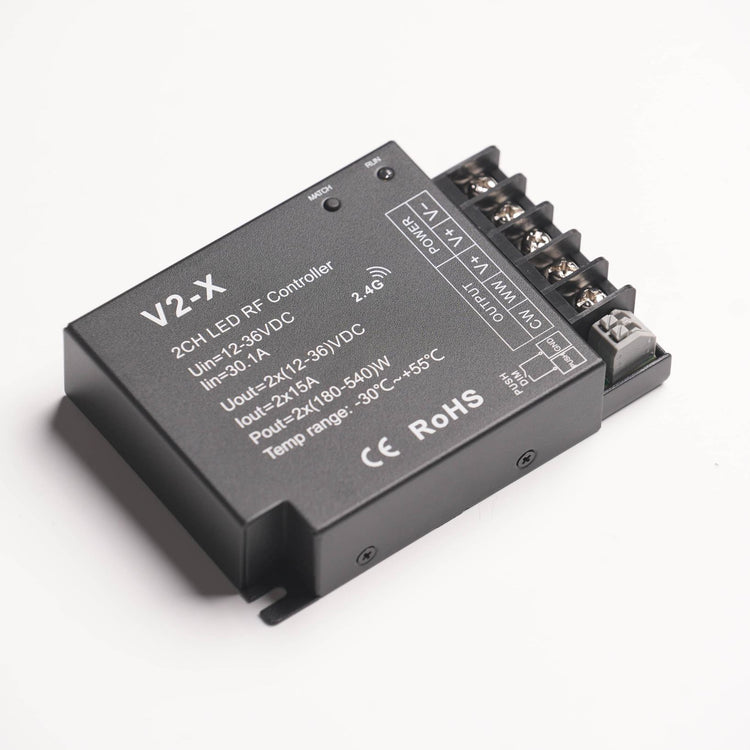
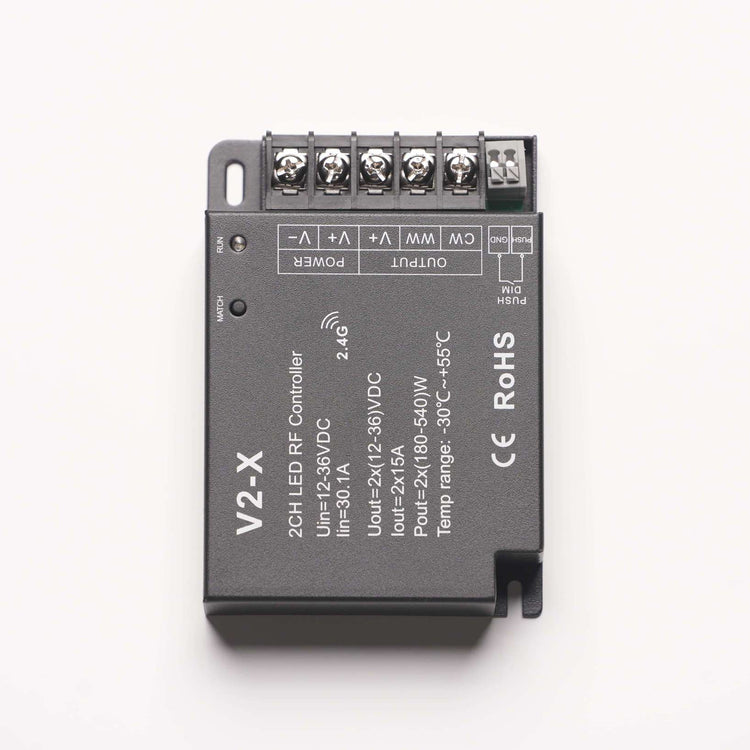

Verify the LED load, driver/controller ratings and connection limits; some combinations support fewer sheets. Paired lines represent two jumper cables. Follow the component installation manuals; AC work requires a qualified electrician.
V2-X / CONTROL & SETUP
Explore what the controller adds, then check your system and plan the connection.
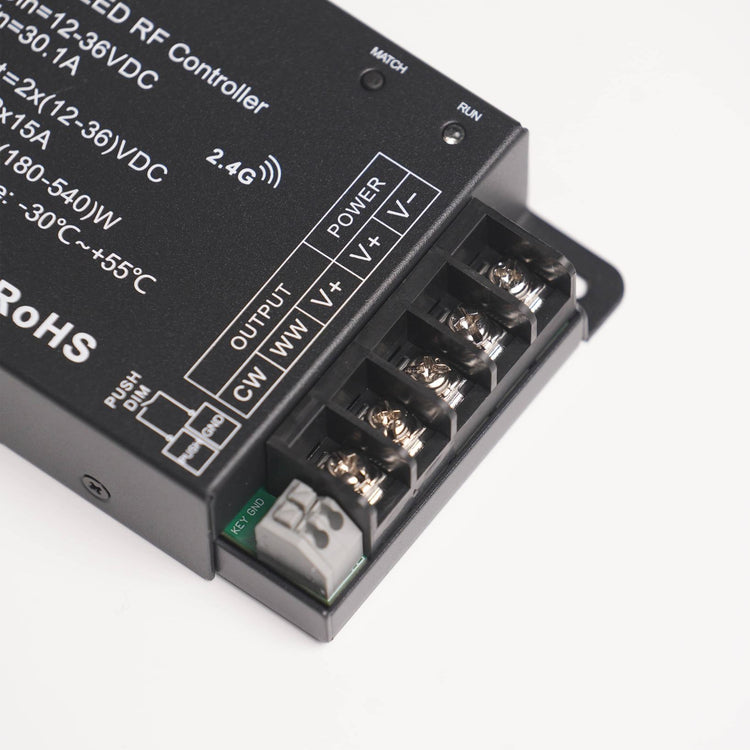
The V2-X sits between your DC LED driver and compatible dual-color LED sheets. Adjust brightness and warm-to-cool white balance with a compatible RF remote, without changing the stone surface.
0–100% adjustment with 4096 dimming levels.
Use an RF remote or an optional momentary wall switch.
A setting held for 5 seconds is saved for when power returns.
The connected LEDs determine the available color-temperature range. This is a controller, not an LED power supply.
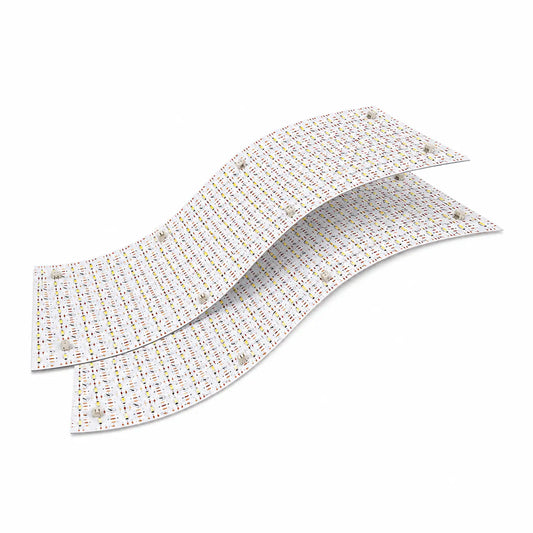
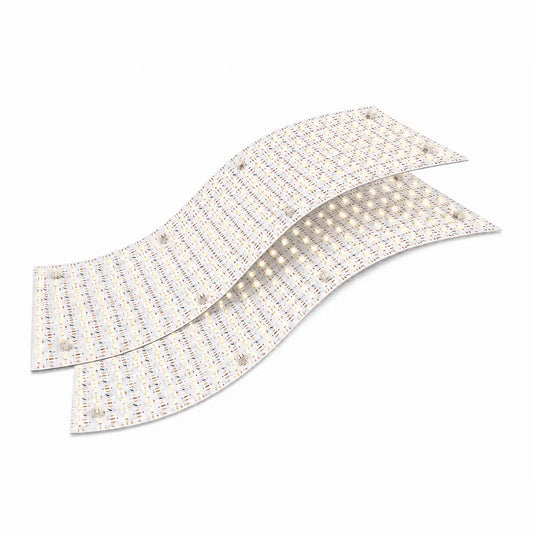
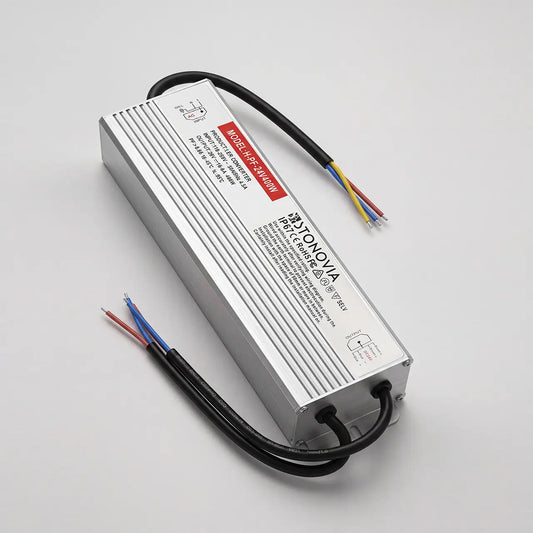
For STONOVIA Flex LED Sheets, use a compatible 24 V DC constant-voltage driver, the V2-X controller and a compatible RF remote. Driver, remote and LED sheets are separate components.
One correctly rated, compatible driver/controller set supports up to 10 compatible sheets. This is a system limit, not a guarantee for any power supply. Verify total LED load, driver capacity, channel ratings and sheet connection limits; some combinations support fewer sheets.
Larger installations can use additional correctly rated sets. A compatible remote can control multiple paired sets together. Each V2-X accepts up to 10 paired remotes; that is a separate limit from the LED sheet count.
Disconnect power before wiring. Have AC supply work performed by a qualified electrician. The videos above show the installation context; use the product manual and actual terminal markings for wiring.
Confirm polarity, secure terminals, correct voltage and total load before powering on. Size conductors for current, run length and installation conditions. The manufacturer specifies a constant-voltage supply rated at least 1.2 times the connected LED load.
Open the controller manual for complete installation requirements ↗
Use the remote to adjust brightness and color temperature. With an optional momentary push switch: click for ON/OFF; hold longer than 1 second from ON to dim, or from OFF to adjust color temperature. Turn off and on to return to dimming.
A 15-second Match-key hold is not the pairing procedure. It disables rapid power-cycle color switching. See the manual for alternative pairing, deletion and factory reset.
See the Controller Product Manual for full specifications. Verify the label on the supplied unit.
Keep the controller dry, accessible and ventilated. Do not stack controllers. Follow the manual’s spacing guidance, including at least 20 cm (about 8 in) between units and from switching power supplies or metal objects. Never energize LED sheets stacked, rolled, folded or covered.
Stop using the system if there is damage, a burning smell or abnormal heating. Do not repeatedly re-energize a suspected fault.
The STONOVIA product manual brings together the updated system diagram, technical ratings, terminal functions and operating instructions. Keep it available during installation.
Includes a 1-year warranty covering manufacturing defects. Contact STONOVIA for warranty support and coverage details for your order.
For help, send your order number, controller label, driver rating, LED sheet count and photos of the setup. We can help identify the next checks before installation proceeds.